macOS · Custom Metal · ScreenCaptureKit · Syphon → OBS · App Store Connect · screenstage.io
ScreenStage
Turn any screen into a cinematic 3D stage — live, at 120fps, straight into OBS.
ScreenStage captures a screen straight into GPU memory and maps it onto procedural 3D device geometry inside a lit, post-processed scene at 60 to 120fps. Nothing round-trips through the CPU, so a cinematic 3D layer can ride on top of a running game without costing frames. The finished scene hands off to OBS through a built-in Syphon source — whole scene or just the device on a transparent field — and the same engine renders captioned App Store screenshot sets, App Preview videos at exact store sizes, and uploads them to App Store Connect with your own API key.
- Swift
- Metal (custom engine)
- ScreenCaptureKit
- Syphon
- Apple Intelligence (on-device)
- AVFoundation
- App Store Connect API
- Polar (payments)
- Three.js (web viewer)
Origin
How it started
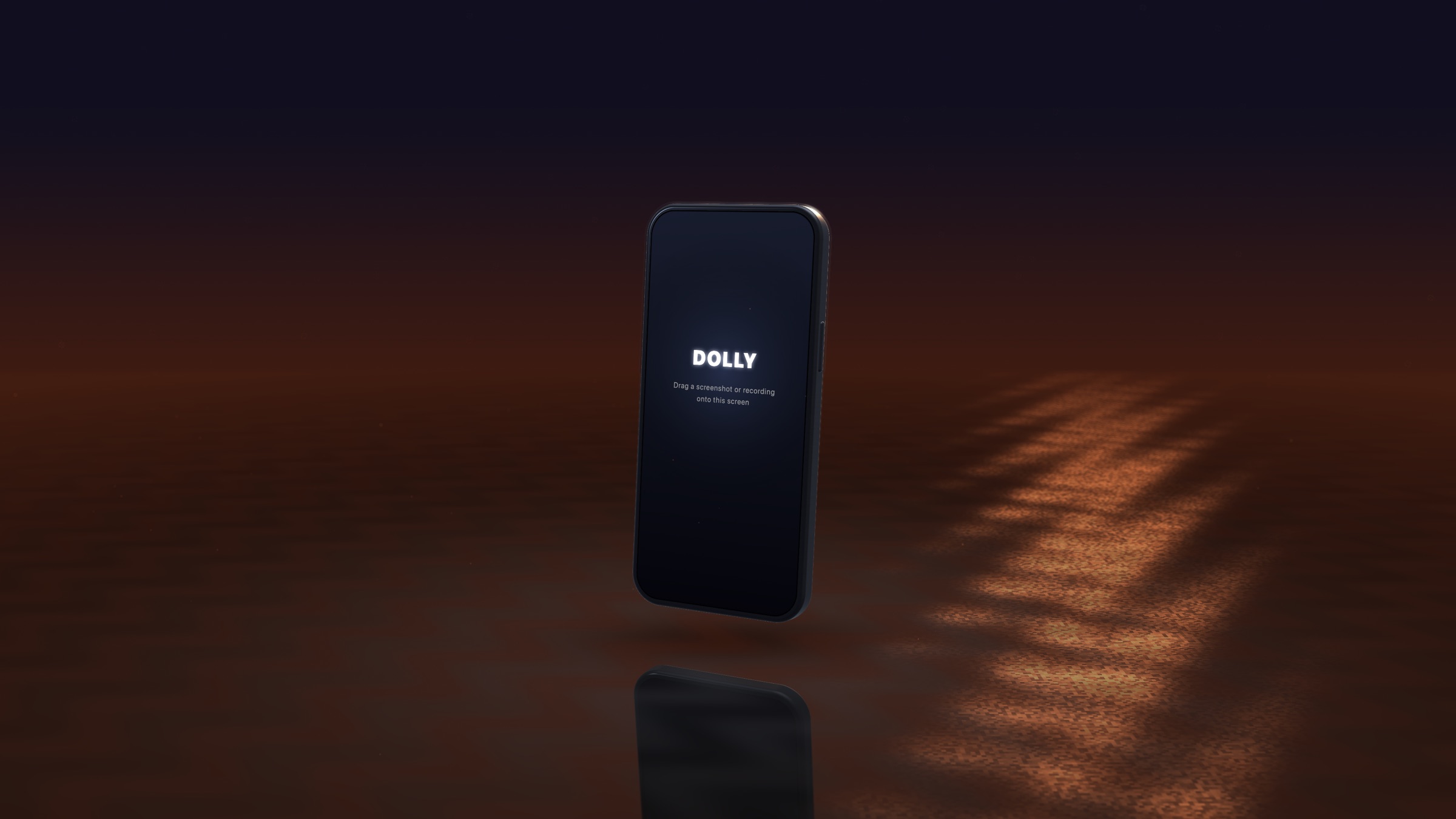
I built a Metal engine to render millions of live LiDAR points at 60fps for a construction app. That problem forces a specific discipline — GPU-resident data, triple buffering, per-chip render paths — and once you have an engine like that, pointing it at something creative costs almost nothing. Every mockup tool I could find was a web app or Electron, which means flat images and a render queue. Mine could do true 3D with a live video texture on it, locally, instantly. It shipped as Dolly; it's ScreenStage now, and it's public.
Features
What it does
Live screen capture onto 3D
Any window, display, simulator, or game becomes a texture on a 3D device at 60 to 120fps. ScreenCaptureKit hands frames to Metal with no CPU copy on Apple Silicon, which is why the 3D layer is genuinely live rather than a recording played back.
Stream to OBS
A built-in Syphon source publishes the finished scene directly from the render loop. Streamers pick up ScreenStage as a source with zero configuration and composite the device over gameplay or a facecam on a transparent field.
App Store Connect upload, in-app
Generate captioned screenshot sets at every exact store size and App Preview videos, then upload them to App Store Connect from inside the app with your own .p8 key. The tedious half of shipping an app release stops involving a browser.
Procedural devices, no model files
Seven devices — iPhone, Android, iPad, MacBook, Apple Watch, Wear OS, TV — plus your app icon as a 3D object, all generated in code with 18+ finishes and a custom color wheel. Nothing to download, nothing to go stale when hardware changes.
Twelve one-click camera moves
Match Cut, Push In, Rise & Reveal, Hero Arc, Dolly Zoom, Orbit 360, Crash Zoom and more, over a real keyframe system with eased auto-framed paths, per-keyframe FOV, and sub-frame motion blur. The After Effects move without After Effects.
On-device AI for store copy
Apple Intelligence running locally generates App Store headlines, translates a screenshot set into any language, and produces A/B variants. No cloud, no API key, no per-word cost — which is the only reason it can be a default rather than an upsell.
Export that matches the spec
4K60 and 4K120 video, stills up to 8K, transparent PNG and APNG loops, dithered GIF, App Preview videos at exact store dimensions, and a 1024 app icon — all routed through a chosen folder and filename pattern.
Under the hood
Engineering
Zero-copy is the whole trick
Capture lands in GPU memory, the device mesh lives in VRAM, the post chain runs on the GPU, and Syphon hands OBS the finished layer in that same memory. The pixels never touch the CPU or the network between the captured window and the stream. That single property is why a true 3D layer with depth of field and bloom can sit on top of a running game without taking frames from it — and it is the thing a browser or Electron tool cannot architecturally match.
Heritage, stated accurately
The engine is an extraction of the custom Metal renderer I built for LiDAR point clouds, and that lineage is the reason this runs the way it does. But ScreenStage renders procedural device meshes, not a hundred million points — the point-cloud work is the forge, not a current feature, and claiming otherwise would be a load-bearing exaggeration in a product whose entire pitch is performance.
True 3D, not a flat composite
Real camera matrices and a real depth buffer mean dolly-zoom and depth of field are geometry rather than a blur filter — and they leave the door open to stereo spatial video later, which a flat-video tool can never do because it has no depth to work with.
Small, signed, and local
Developer-ID signed and notarized at roughly a 4 MB download, with real project files carrying look, keyframes, overlays, framing, and the embedded screenshot. No account required to run it, no cloud render queue, no per-export bill — the app does the work on the machine that already has the GPU.
What's possible
The screen is the raw material
Every developer and creator already has the footage — it's on their monitor. What they don't have is a way to make it look considered without learning a compositor or waiting on a render farm. The direction is more surfaces for that same engine: a virtual camera so it's a webcam in any call with no OBS at all, HDR, and eventually spatial video. The engine was always the product; the mockup tool is just its first honest job.